

Written by me@grafxflow
07 Jun, 2016
4
10,464
I recently transferred my old Macbook Pro content to my new Macbook Pro using Time Machine transfer. All the data went across fine but one thing I noticed was the date and time was out by an hour. Then when trying to change the settings in System Preferences -> Date & Time I would get the following popup with the message 'Could Not load Date & Time preference pane'. After many hours of searching I found the answer... or at least it worked for me.
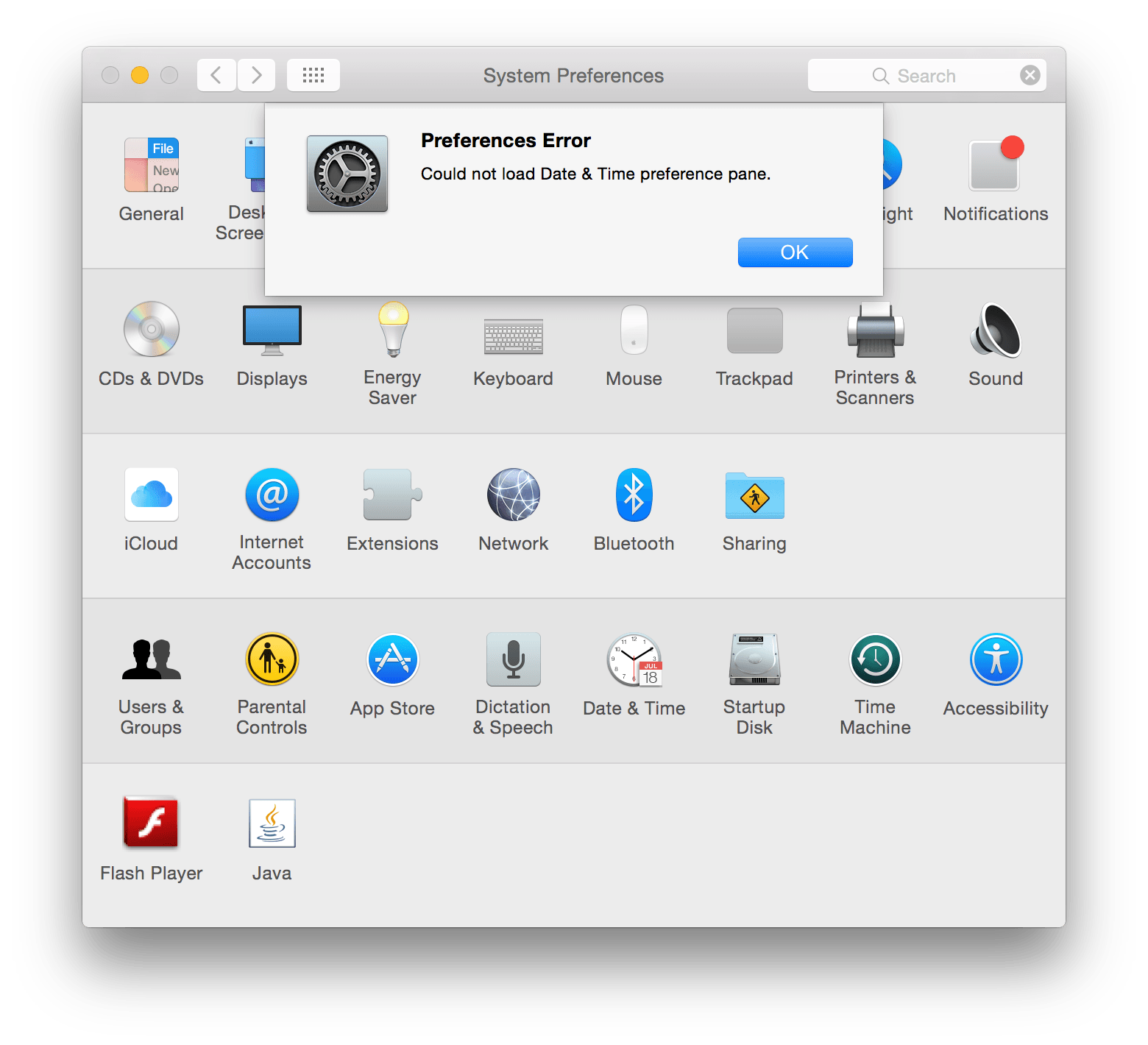
Go and delete the following files.
Then restart your mac.
Hope it works for you.

03 Aug, 2014

25 Dec, 2012

02 Jul, 2018

I am a Full-stack Developer who also started delving into the world of UX/UI Design a few years back. I blog and tweet to hopefully share a little bit of knowledge that can help others around the web. Thanks for stopping by!
Follow
20 May, 2025

11 Jul, 2023

Views: 169,313

Views: 41,887

Views: 39,674

Views: 36,496


4 Response
luong
11 Jul 2016
Thanks
me@grafxflow
12 Jul 2016
Glad it helped :)
Becky Nunes
01 Apr 2020
Nice one! Perfect fix, Thankyou.
me@grafxflow
01 Apr 2020
Hi Becky, good to see the fix is still working.